Get Data In
Multiple ways to get your data into KISSmetrics. Choose the method that fits your stack.
Choose Your Method
From simple JavaScript to database connections - we support however you want to send data.
JavaScript Library
The fastest way to get started. Drop our script on your site and start tracking in minutes.
- Automatic page view tracking
- Click and form tracking
- Cross-domain identity
- SPA support (React, Vue, etc.)
Setup: Add one script tag to your site
Google Tag Manager
Deploy KISSmetrics through GTM for centralized tag management and advanced configuration.
- No code changes required
- Advanced click tracking
- Custom trigger support
- Easy version control
Setup: Import our GTM template
Segment
Use Segment as your data layer. Send events to KISSmetrics alongside your other destinations.
- Single integration point
- Automatic data routing
- Schema enforcement
- Replay historical data
Setup: Enable KISSmetrics destination in Segment
Server-Side API
Track events from your backend for server-side actions, background jobs, and sensitive data.
- Ruby, Python, PHP, Node libraries
- Direct HTTP API
- Cron job tracking
- No client exposure
Setup: Install library or call HTTP endpoint
Mobile SDKs
Native iOS and Android SDKs with automatic lifecycle tracking and offline support.
- Automatic app events
- Offline event queuing
- Push notification tracking
- Cross-platform identity
Setup: Add SDK to your mobile project
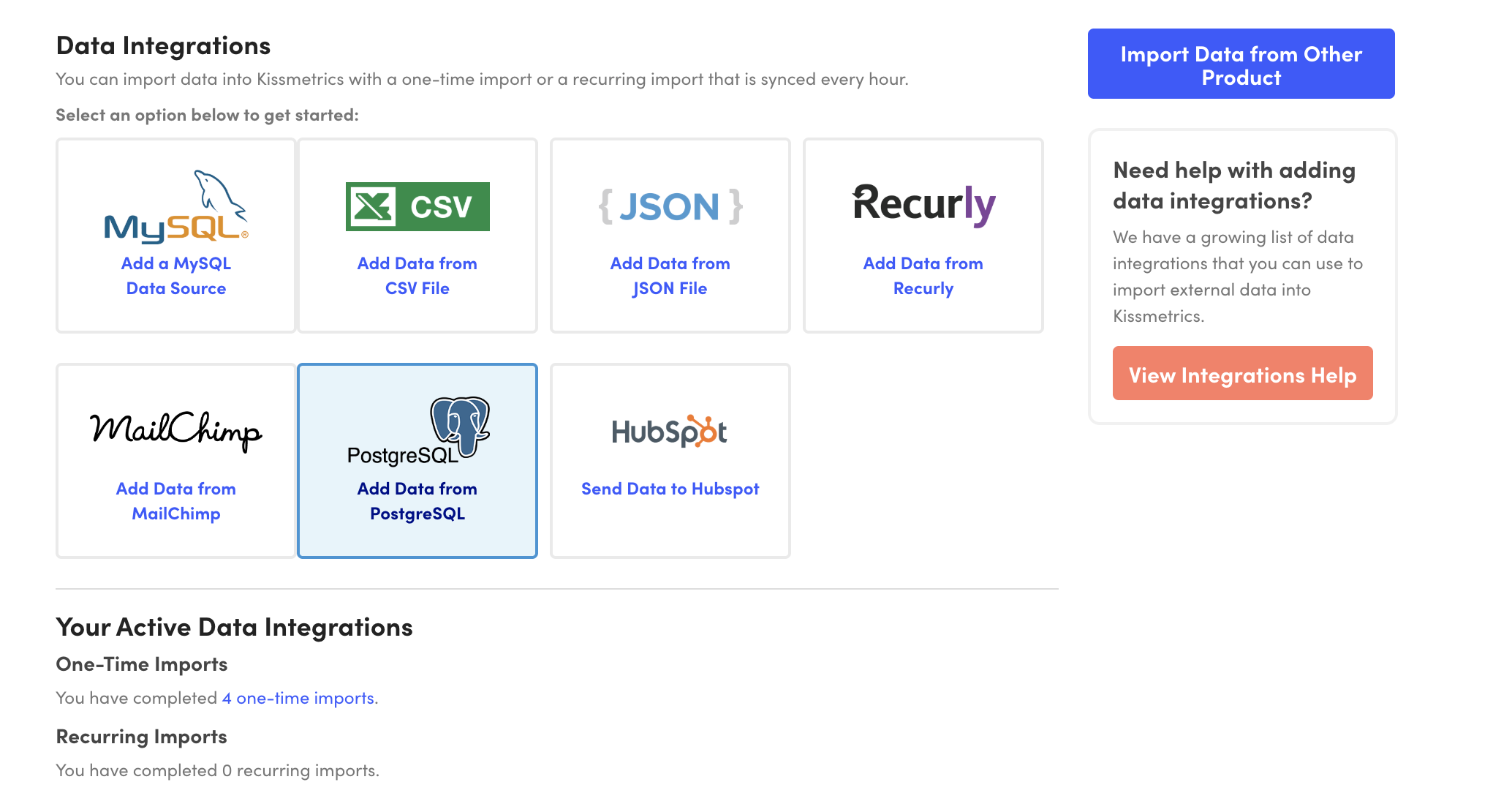
CSV / JSON Import
Upload historical data or import from external sources via file upload.
- One-time uploads
- Scheduled recurring imports
- Property and event imports
- Bulk user updates
Setup: Upload files in the UI or via API
Database Connection
Connect directly to MySQL or Postgres to sync data from your database.
- MySQL and Postgres support
- Scheduled syncs
- Custom SQL queries
- Incremental updates
Setup: Configure database credentials
What You Can Track
Four types of data you can send to KISSmetrics.
Events
Track any action users take - signups, purchases, feature usage, button clicks, and more.
_kmq.push(["record", "Signed Up", {"Plan": "Pro"}]);Properties
Attach attributes to users - name, email, plan, company, or any custom data.
_kmq.push(["set", {"Plan": "Pro", "Company": "Acme"}]);Identity
Identify users and alias anonymous sessions to known identities.
_kmq.push(["identify", "user@example.com"]);Revenue
Track revenue with special handling for LTV calculations and attribution.
_kmq.push(["record", "Purchased", {"Revenue": 99.00}]);Implementation Tips
Best practices from helping 10,000+ companies set up tracking since 2008.
Start with key events
Focus on tracking 5-10 critical events first. You can always add more later.
Use consistent naming
Adopt a naming convention like "Noun Verbed" (e.g., "Article Viewed", "Form Submitted").
Track revenue early
Set up revenue tracking from day one to enable attribution and LTV reporting.
Test before launch
Use our Live feature to verify events are tracking correctly before going to production.
Need Help With Implementation?
Every plan includes a 1-hour onboarding call. Our team will help you design your tracking schema and get set up correctly.
Documentation
Ready to start tracking?
Get your first events flowing in minutes, not days.